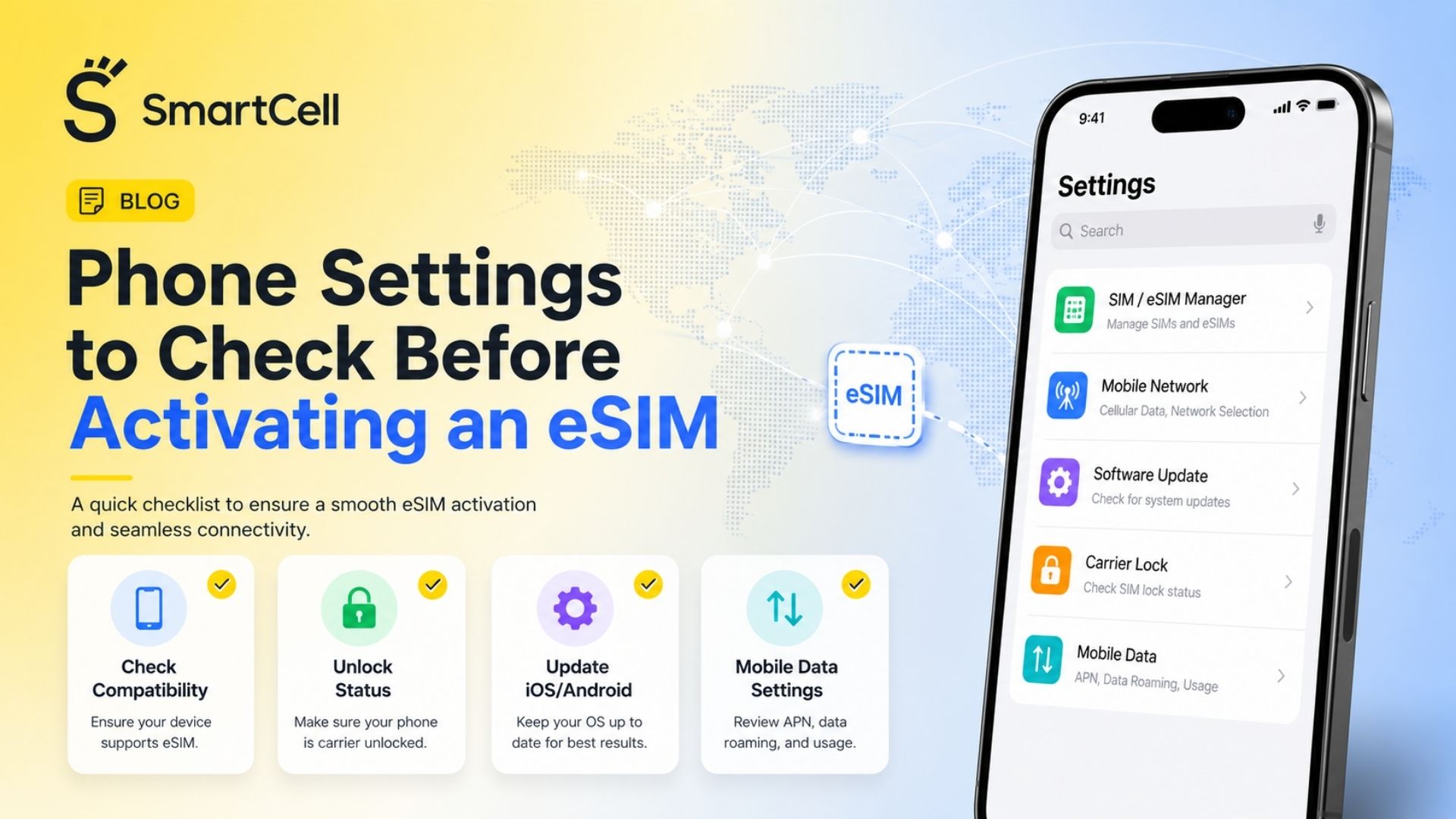


Use eSIM While Keeping Your Primary Number
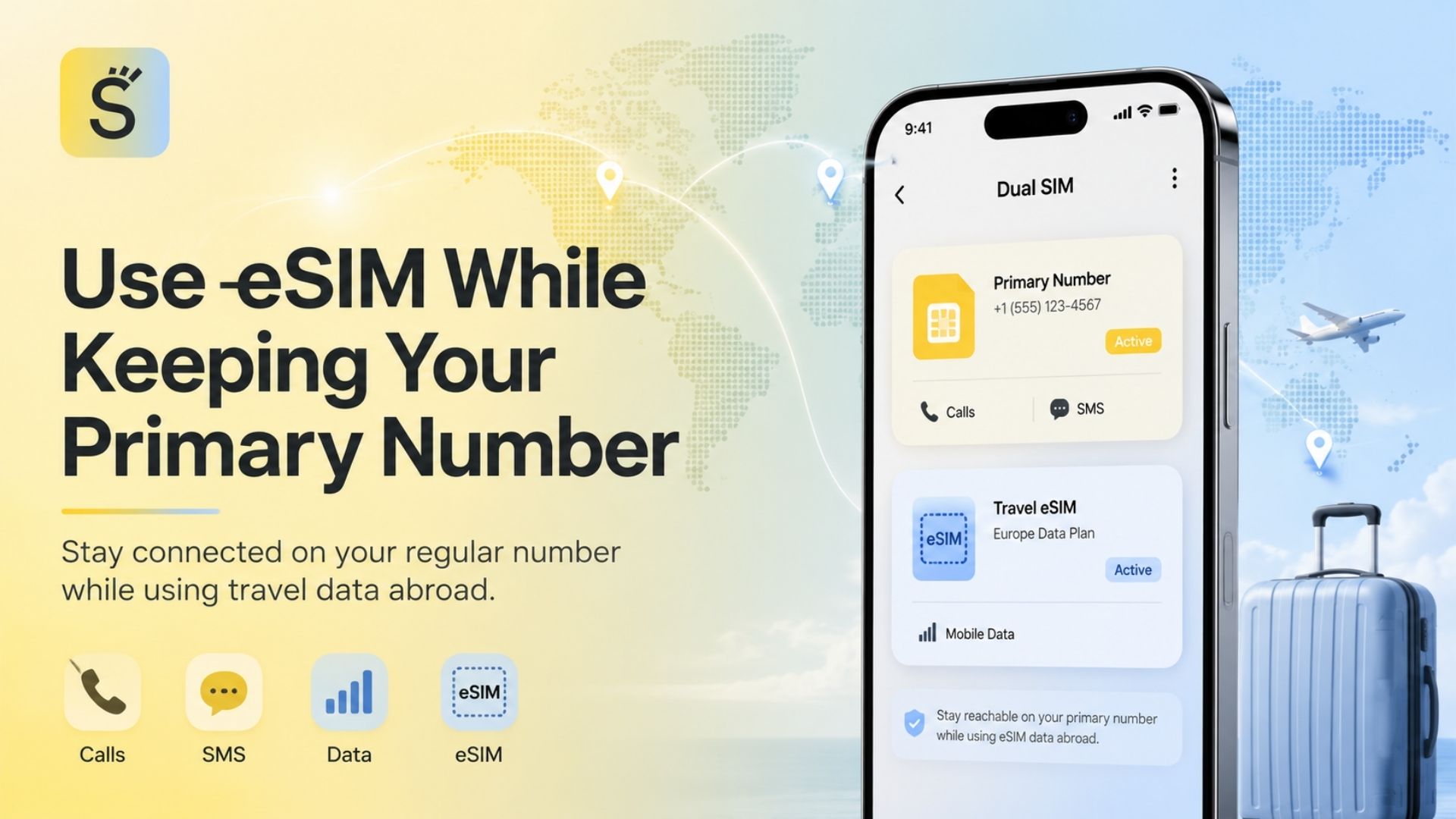
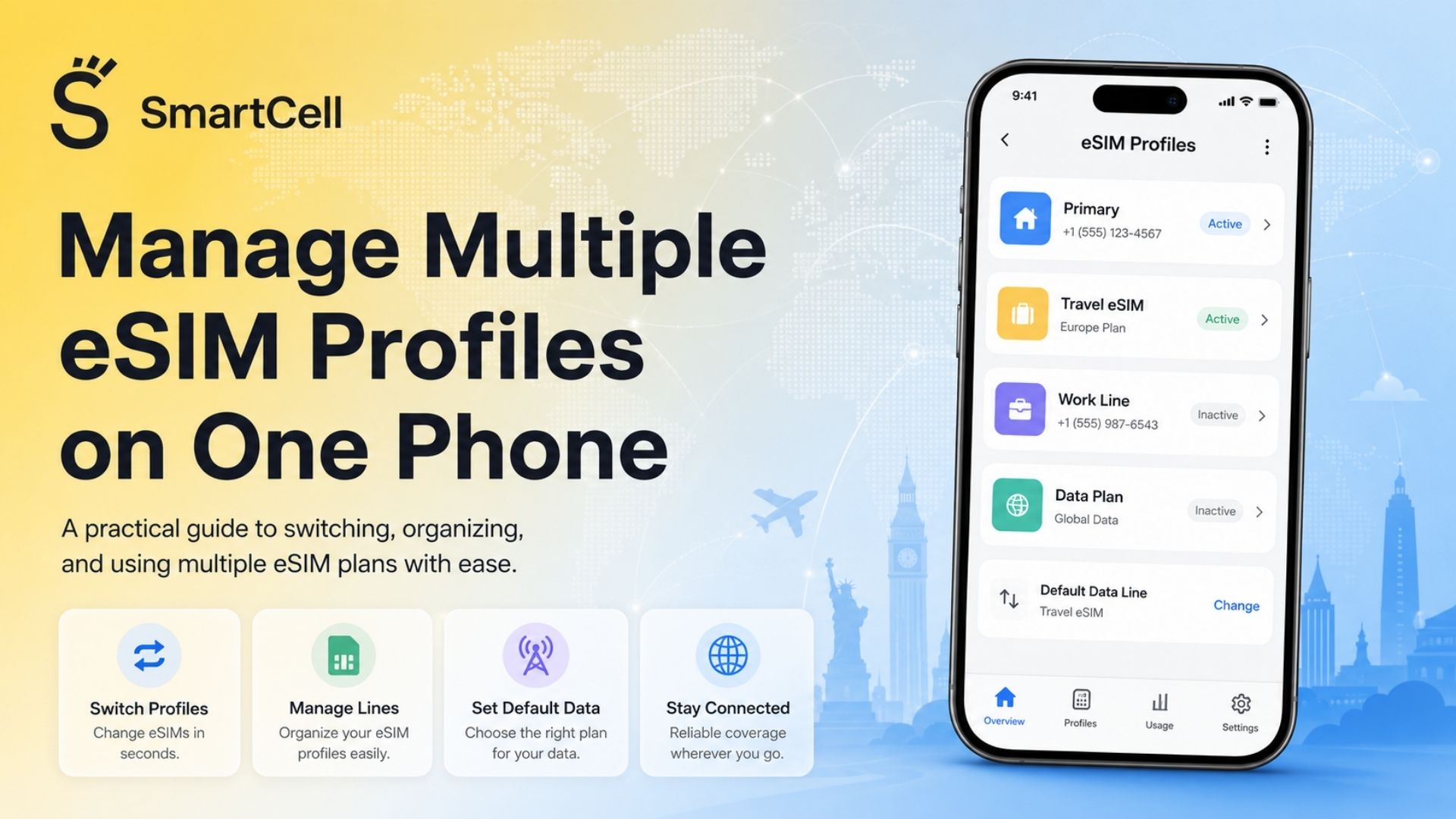
You can use a travel eSIM for mobile data while keeping your regular phone number active for calls and text messages by enabling both lines, assigning the eSIM as the mobile data line, and leaving your primary SIM selected for calls and SMS.
This arrangement is possible on compatible Dual SIM phones because the home SIM and travel eSIM can perform different functions. Apple, for example, states that both active numbers on a Dual SIM iPhone can make and receive calls and send messages, although the device uses only one cellular data network at a time.
The most important rule is simple: do not disable your primary line if you still need calls, standard SMS messages, banking codes, or phone-number-based messaging services. Instead, prevent that line from using mobile data abroad.
What Does It Mean to Use an eSIM While Keeping Your Primary Number?
An eSIM is a digital SIM profile that can be downloaded to a compatible device without inserting a removable SIM card. The GSMA defines eSIM as a global specification that supports remote SIM provisioning and allows devices to store multiple operator profiles.
For travel, a typical configuration divides responsibilities between two lines:
Line | Main purpose |
Primary physical SIM or home eSIM | Regular phone number, incoming calls, SMS and verification codes |
Travel eSIM | Mobile data for maps, browsing, messaging apps and online services |
Many international travel eSIMs are data-only. They provide internet access but do not include a traditional phone number, voice-call allowance, or standard SMS service. Your regular SIM therefore remains responsible for conventional calls and messages.
The phone manages the arrangement through Dual SIM Dual Standby, commonly shortened to DSDS. Both lines can normally remain registered with their respective networks while the phone is idle. However, device model, operating system, carrier settings and regional firmware may affect what happens during an active call.
Why Is This Setup Popular Among Travelers?
The setup solves two different travel connectivity needs without forcing the traveler to choose between them.
A travel eSIM provides data access at the destination, while the primary line preserves the phone number already used by family members, employers, banks, delivery services and online accounts.
It is especially useful because changing the SIM that supplies mobile data does not automatically change the number associated with your existing primary SIM. The two services are managed separately.
Travelers can also install an eSIM before departure and activate it when they arrive. This avoids searching for a physical SIM retailer at the airport or removing and storing the home SIM card.
Before purchasing a plan, compare the available travel eSIM plans by destination, validity period, data allowance, supported networks and hotspot availability.
Benefits of Keeping Your Primary SIM Active
You Can Continue Receiving Important SMS Messages
When the home line remains enabled and successfully connects to a roaming partner, it can continue receiving standard SMS messages, including one-time verification codes.
Turning off data roaming is not the same as turning off the SIM. Data roaming controls mobile internet usage; it does not necessarily prevent the line from registering for calls and SMS. Some carrier-support resources confirm that SMS reception may continue when data roaming is disabled, although charges and availability remain subject to the home operator’s rules.
This distinction is important for travelers who depend on SMS-based authentication for banking, email, company systems or reservation services.
Your Regular Number Remains Reachable
Friends, relatives and business contacts can continue calling the same number. You do not have to inform everyone about a temporary local number.
However, keeping the line active does not make international calls free. Your home carrier may charge for answered incoming calls, outgoing calls, voicemail access or sent SMS messages. Some carriers may also trigger a daily roaming pass when an eligible service is used.
Messaging Apps Can Use the Travel eSIM’s Data
WhatsApp, Telegram, Signal, Messenger and similar apps use an internet connection rather than the travel eSIM’s phone number.
WhatsApp normally remains associated with the number already registered in the application. Installing a travel eSIM does not require changing the WhatsApp number unless the application specifically prompts you and you choose to do so.
On iPhone, iMessage and FaceTime can also operate over the travel eSIM’s data connection. Keeping the primary line active helps preserve the regular number as an available iMessage and FaceTime identity. Apple confirms that Dual SIM lines can be used for iMessage, SMS and MMS, subject to carrier support and device settings.
You Avoid Accidental Home-SIM Data Usage
Assigning the travel eSIM as the sole cellular data line helps prevent applications, background updates, cloud backups and navigation tools from consuming international data through the home carrier.
This protection is strongest when:
The travel eSIM is selected for cellular data.
Data roaming is disabled on the home line.
Automatic cellular data switching is disabled.
Both lines are clearly labeled.
The carrier’s roaming policy has been checked before departure.
You Do Not Need to Remove Your Physical SIM
Removing a small physical SIM creates several practical risks: losing it, damaging it, forgetting where it was stored or being unable to reinstall it when returning home.
An eSIM eliminates the need to handle the primary SIM tray. Samsung similarly describes Dual SIM as a way to maintain two lines on one device, including a physical SIM and an eSIM.
When Is This Configuration Recommended?
The primary-SIM-plus-travel-eSIM arrangement is well suited to:
Business travelers who must remain reachable on their regular number
Travelers who need banking and two-factor authentication messages
Remote workers using messaging and conferencing applications
Families who want to preserve their usual contact numbers
Multi-country travelers using one regional data plan
People whose home carrier has expensive international data rates
Travelers who do not want to replace or remove a physical SIM
For trips across several European destinations, a regional plan can reduce the need to install a separate profile for each border crossing. The Europe travel eSIM guide explains how a multi-country plan can support this type of itinerary.
When Is It Not Recommended?
This setup may not be the best option when:
The phone is carrier-locked.
The phone cannot keep two lines active simultaneously.
The home carrier charges simply for registering or receiving services abroad.
The traveler needs frequent conventional voice calls.
The travel eSIM has poor coverage in the destination.
The device’s regional firmware does not allow separate voice, SMS and data preferences.
The user cannot confirm which SIM is being used before making a call.
A travel eSIM that includes a local phone number and voice allowance may be more appropriate when frequent local calls are required. A home-carrier roaming plan may also be simpler when the trip is very short and the carrier offers a predictable fixed-price package.
Recommended Travel eSIM Configuration Styles
The Low-Risk Data Configuration
This is the safest general setup for reducing accidental data-roaming charges.
Primary SIM: enabled
Primary SIM data roaming: off
Default voice line: primary SIM
Default SMS line: primary SIM
Cellular data line: travel eSIM
Travel eSIM data roaming: on when required by the eSIM provider
Automatic data switching: off
This configuration preserves incoming communication while directing internet traffic through the travel plan.
The Maximum Reachability Configuration
This option suits business travelers who expect calls on their primary number.
The primary SIM remains active for voice and SMS, while the travel eSIM handles internet access. Wi-Fi Calling should be activated before leaving the home country when the carrier supports it.
Some devices and carriers can route primary-line calling through Wi-Fi or another line’s cellular data connection. Apple and Android manufacturers use different names and eligibility rules for this feature, so it should not be assumed to work on every phone.
The Messaging-First Configuration
Travelers who mainly use WhatsApp, iMessage, Telegram or similar services can use the travel eSIM for all internet-based communication while leaving the home line active only for essential SMS messages.
Avoid making or answering conventional calls unless the home carrier’s charges are known.
The Multi-Country Configuration
A regional eSIM can remain installed while traveling through several supported countries. This reduces repeated profile installation and avoids purchasing a separate plan at every destination.
Travelers visiting the Schengen Area can review the Schengen travel eSIM guide when comparing regional coverage with country-specific plans.
How to Set Up the Configuration on an iPhone
Apple supports using a travel eSIM as a secondary line while keeping the capabilities of the primary line active. Exact menu names may appear as Cellular, Mobile Data or Mobile Service, depending on language and region.
Step 1: Install the Travel eSIM
Open:
Settings → Cellular/Mobile Service → Add eSIM
Scan the provider’s QR code, use carrier activation, transfer an eligible profile or enter the activation information manually.
Install the plan over a secure internet connection before departure when possible. Do not delete the profile after installation unless instructed by the provider, because many travel eSIM QR codes cannot be reused.
Step 2: Label Both Lines
Use clear names such as:
Primary
Home
Travel
Europe
Turkey
Business
Clear labels reduce the chance of selecting the wrong line when calling, texting or changing data settings.
Step 3: Keep Both Lines Enabled
Open each line and make sure Turn On This Line is enabled.
Turning off the primary line prevents standard calls and SMS messages from reaching that number while it is disabled.
Step 4: Select the Primary Line for Calls
Under Default Voice Line, select the home number.
You can still choose another line manually before individual calls when the second plan includes voice service.
Step 5: Select the Travel eSIM for Cellular Data
Open:
Settings → Cellular/Mobile Service → Cellular Data
Select the travel eSIM.
This is the setting that determines which line supplies internet access to applications.
Step 6: Disable Cellular Data Switching
Turn off Allow Cellular Data Switching when the priority is preventing the home line from using roaming data.
When this setting is enabled, the iPhone may switch data lines in certain situations, including during calls, depending on carrier support and network conditions. Apple explains that this feature allows the device to switch the data connection when necessary.
Step 7: Disable Data Roaming on the Primary Line
Open the primary line and turn Data Roaming off.
Keep the line itself enabled.
Step 8: Configure the Travel eSIM’s Roaming Setting
Many travel eSIMs operate through roaming agreements with local networks. As a result, the provider may require Data Roaming to be enabled on the travel eSIM.
Follow the plan’s activation instructions. Turning roaming on for the travel eSIM does not automatically enable roaming on the home line when the device provides separate controls.
Step 9: Check iMessage and FaceTime
Verify the preferred identities under:
Settings → Apps → Messages → Send & Receive
Settings → Apps → FaceTime
Keep the regular number selected when you want conversations to continue from that identity.
How to Set Up the Configuration on Android
Android menus vary considerably between manufacturers, regions, carriers and software versions.
Google Pixel
On supported Pixel phones, open:
Settings → Network & Internet → SIMs
Google states that Pixel users can choose which SIM is used for mobile data, calls and text messages. The Dual SIM feature is called Dual SIM Dual Standby.
Recommended settings:
Mobile data: travel eSIM
Calls preference: primary SIM or ask every time
SMS preference: primary SIM
Primary SIM roaming: off
Travel eSIM roaming: on if required
Automatic data switching: off when avoiding home-line data usage is the priority
Samsung Galaxy
On many Galaxy devices, open:
Settings → Connections → SIM Manager
Enable both lines and look for preferred SIM settings for calls, messages and mobile data. Samsung documents separate preferences on some devices, but also notes that screens and available options vary by carrier, model and software version.
Some regional or carrier-supplied Galaxy models may only provide a single Primary SIM selection for calls, messages and data. In that case:
Set the travel eSIM as the primary data connection where possible.
Use the SIM selector before calls or messages.
Assign preferred calling lines to important contacts if supported.
Confirm that the home line remains enabled for incoming SMS.
Test the configuration before relying on it abroad.
Practical Selection Checklist
Before buying or activating a travel eSIM, verify the following.
Device Compatibility
Confirm that the exact model supports eSIM and Dual SIM operation. Support can differ between regional versions of the same phone.
Carrier Lock Status
A carrier-locked device may reject an eSIM issued by another provider. Check the lock status before purchasing a plan.
Two Active Lines
Some phones can store several eSIM profiles but cannot keep every stored profile active simultaneously. Storage capacity and active-line capacity are separate specifications.
Destination Networks
Check which local networks the plan uses and whether the coverage includes every country, island or territory on the itinerary.
Data Allowance and Validity
Compare:
Total or daily data allowance
Plan activation policy
Validity period
Top-up availability
Speed restrictions
4G or 5G access
Hotspot or tethering support
Voice and SMS Requirements
Determine whether internet-based calls are sufficient or whether a conventional local number is necessary.
Home-Carrier Charges
Check the cost of:
Receiving calls
Making calls
Sending SMS
Accessing voicemail
Activating a daily roaming pass
Wi-Fi Calling abroad
Activation Requirements
Identify whether the plan activates:
Immediately after installation
On first connection to a supported network
On a selected date
After a fixed period following purchase
Travel Connectivity Options Compared
Option | Keeps primary number active | Calls and SMS | Mobile data | Cost pattern | Best use case |
Travel eSIM plus active primary SIM | Yes | Through primary SIM; carrier charges may apply | Travel eSIM | Usually prepaid and destination-based | Travelers needing data, SMS codes and their usual number |
Travel eSIM with primary SIM disabled | Number remains owned but is unreachable while disabled | No standard calls or SMS on primary line | Travel eSIM | Usually low and predictable | Data-only travelers who do not need verification messages |
Home-carrier roaming package | Yes | Usually included according to package terms | Home SIM | Daily, weekly or monthly carrier fee | Short trips and users prioritizing simplicity |
Local physical SIM | Usually requires removing or replacing the home SIM on single-slot phones | Often includes a local number | Local network | Local prepaid pricing | Long stays and frequent local calls |
Voice-and-data travel eSIM | Primary number may remain active separately | New or temporary number when included | Travel eSIM | Often higher than data-only plans | Travelers needing conventional local calls |
Portable Wi-Fi router | Yes, because phone SIM settings remain unchanged | Primary line or internet apps | External hotspot | Device rental or purchase plus data plan | Groups connecting several devices |
No option is universally best. The most economical choice depends on trip length, destination, required data volume and the home operator’s voice and roaming charges.
Managing the Setup During Your Trip
An installed eSIM profile does not physically wear out and can remain stored on the device until it is deleted. However, the associated data package may expire according to its validity period.
During the trip:
Check which line appears beside the mobile-data indicator.
Monitor data consumption in the phone settings and provider application.
Avoid unnecessary cloud backups over cellular data.
Confirm the selected line before making a conventional call.
Keep automatic application updates limited when data is scarce.
Do not delete the travel eSIM while troubleshooting.
Restart the phone after arrival if the plan does not connect.
Try manual network selection only when recommended by the provider.
Preserve the installation email or activation details.
For a destination-specific example, the UK travel eSIM guide explains how travelers can remain connected without physically replacing their regular SIM.
Common Mistakes to Avoid
Turning Off the Primary SIM Completely
Disabling the primary line also disables its ordinary call and SMS functions. Turning off data roaming is usually the more appropriate action when the goal is to block data rather than communication.
Selecting the Home SIM for Cellular Data
This can allow applications and background services to use expensive international data.
Leaving Automatic Data Switching Enabled
The phone may move data usage to another line under certain network or call conditions.
Assuming Incoming Calls Are Free
Receiving a call abroad may create roaming charges. Let unknown or non-urgent calls go unanswered until the carrier’s pricing is confirmed.
Calling Voicemail Without Checking the Rate
Voicemail access may be treated as a roaming call. Carrier rules vary.
Deleting the eSIM After Installation
Some activation codes are designed for a single download. Deleting the profile may require support intervention or purchasing another plan.
Changing the WhatsApp Number Unnecessarily
A new data eSIM does not normally require a WhatsApp number change. Selecting “Change Number” can alter account identity and group notifications.
Installing the eSIM Without Internet Access
Profile download usually requires Wi-Fi or another functioning internet connection. Installation is easier before departure than after arriving without connectivity.
Assuming Every Android Phone Uses the Same Menus
Samsung, Google Pixel and other Android manufacturers provide different SIM-management controls. Carrier firmware can create additional differences.
Is It Worth Using a Travel eSIM While Keeping Your Main Number?
For most travelers with a compatible unlocked Dual SIM phone, the arrangement offers a strong balance between connectivity and continuity.
It separates high-volume mobile data from the home carrier while preserving access to the established phone number. This is particularly valuable for authentication messages, urgent calls, business communication and existing messaging identities.
The setup is most worthwhile when:
International data roaming is expensive.
The traveler needs the regular number to remain active.
Most communication can happen through data-based applications.
The destination has suitable eSIM coverage.
The user understands the home carrier’s call and SMS charges.
It may offer less value when the home carrier already provides affordable roaming, the journey lasts only one or two days, or the user needs extensive conventional calling.
The eSIM itself does not eliminate every roaming charge. It primarily controls which line supplies mobile data. Voice calls, sent SMS messages, voicemail and carrier-specific roaming passes must still be managed separately.
Frequently Asked Questions
Can I receive calls on my regular number while using an eSIM?
Yes, when the phone supports Dual SIM, both lines are enabled and the primary SIM can register with a roaming network. Answering the call may result in roaming charges.
Can I receive SMS verification codes with a travel eSIM active?
Usually, yes. Keep the primary SIM enabled and connected to a supported roaming network. Disable its data roaming rather than disabling the entire line. Operator restrictions may still apply.
Will turning off data roaming stop SMS messages?
Not normally. Data roaming controls cellular internet usage, while SMS uses a separate carrier service. Carrier-specific behavior should still be confirmed before travel.
Does a travel eSIM change my phone number?
A data-only travel eSIM does not replace the number attached to the primary SIM. Plans that include voice and SMS may provide an additional temporary number.
Will WhatsApp continue using my regular number?
Yes. WhatsApp generally remains registered to the existing account number and uses whichever internet connection is available.
Can iMessage use my regular number over travel eSIM data?
Yes, provided the number remains enabled and selected in the iMessage settings. Deactivating the primary line may cause the number to become unavailable for iMessage registration.
Should data roaming be enabled on the travel eSIM?
Enable it when the eSIM provider’s instructions require it. Many travel plans connect through international roaming agreements even though they are purchased specifically for the destination.
Should data roaming be disabled on the primary SIM?
Yes, when the goal is to prevent the home line from using international mobile data. The primary line can remain enabled for calls and SMS.
Can both SIMs use mobile data at the same time?
Generally, no. Dual SIM phones normally select one line as the active cellular data connection. Apple specifically states that an iPhone uses one cellular data network at a time.
What happens when someone calls my primary number?
The phone may ring through the home carrier’s roaming partner. Mobile data may continue, pause or switch depending on the device, carrier and Dual SIM configuration.
Can I make normal calls through a data-only eSIM?
A data-only eSIM cannot normally place traditional carrier voice calls. You can use internet-based calling applications such as WhatsApp, FaceTime, Telegram or another VoIP service.
Should I activate Wi-Fi Calling before traveling?
Yes, when the home carrier supports it. Activation is best completed while still connected to the home network because some carriers restrict initial Wi-Fi Calling registration abroad.
Final Takeaway
The safest general configuration is to keep both lines enabled, use the primary SIM for calls and SMS, assign the travel eSIM to mobile data, disable data roaming on the primary line and turn off automatic cellular data switching.
This allows the traveler to remain reachable on the regular number while using the travel eSIM for maps, messaging applications, reservations, browsing and other online services. Because voice, SMS and roaming policies differ by operator, the final step should always be checking the home carrier’s international charges before departure.