

UK Travel eSIM: Stay Connected in London
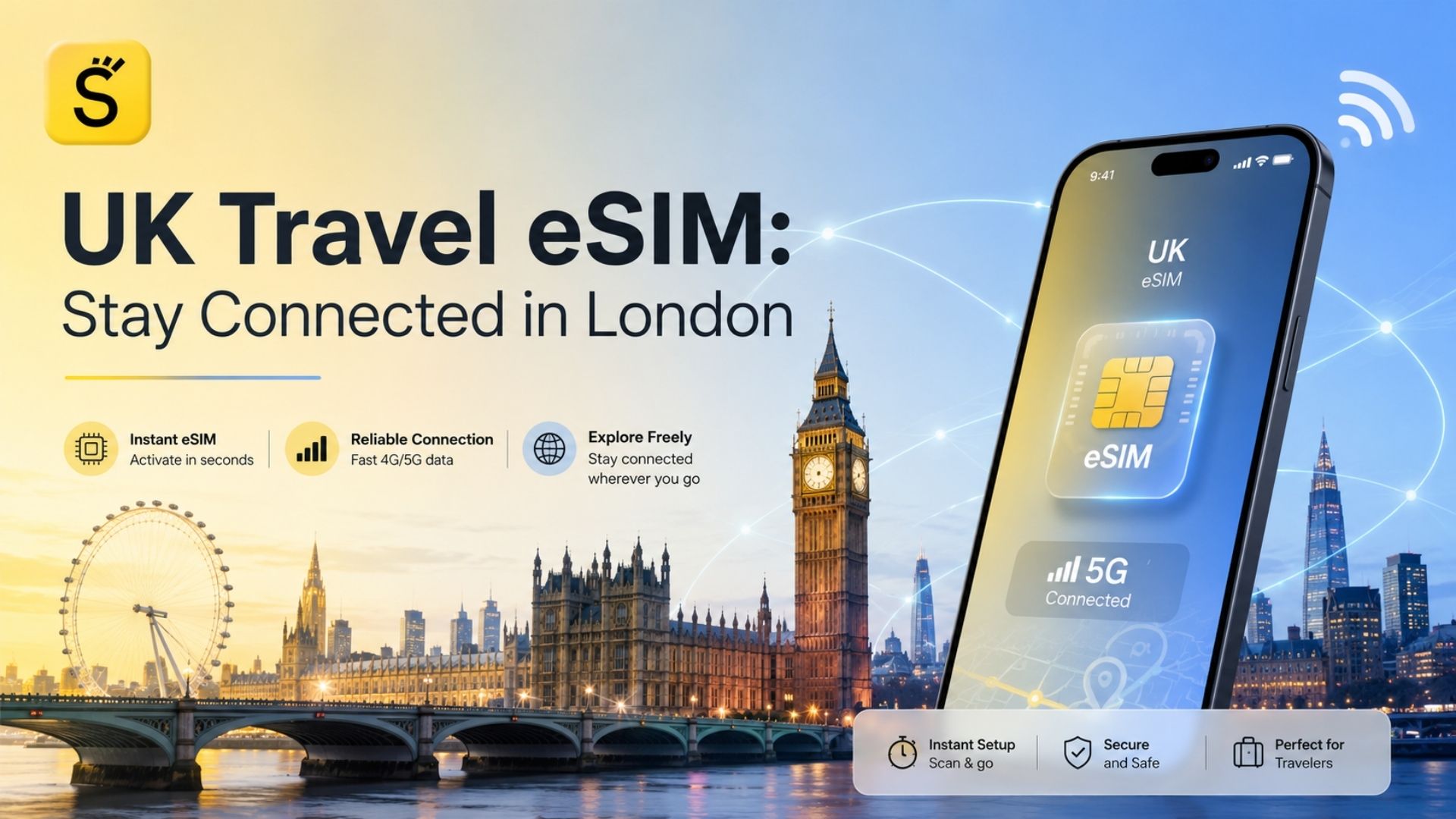
A UK travel eSIM lets you access mobile data in London and other parts of the United Kingdom without removing your existing physical SIM card. You can usually purchase the plan online, install it before departure and connect to a supported UK mobile network after arriving.
On a compatible dual-SIM phone, your regular SIM can remain available for calls, messages and verification codes while the travel eSIM handles mobile data. This makes an eSIM a practical alternative to searching for a physical SIM at the airport, relying entirely on public Wi-Fi or activating an expensive roaming package.
An eSIM is not automatically the best choice for every traveller. Before purchasing one, you must confirm that your phone supports eSIM, is not locked to one network provider and is compatible with the selected plan. You should also review the plan’s coverage, validity period, activation policy, data allowance and hotspot conditions.
What Is a Travel eSIM and How Does It Work in the UK?
An eSIM is a digital SIM profile that can be downloaded to a compatible mobile device. Instead of inserting a removable plastic SIM card, you install the mobile plan through your phone’s settings, a QR code, a provider application or manual activation details.
The GSMA describes eSIM as a global specification that enables mobile network profiles to be provisioned remotely. Supported devices can store multiple operator profiles, although the number of profiles that can be active simultaneously depends on the phone and network provider.
The typical UK travel eSIM process involves:
Confirming that your device supports eSIM.
Checking that the phone is carrier-unlocked.
Choosing a UK or regional data package.
Purchasing the plan online.
Receiving a QR code or activation instructions.
Installing the eSIM profile.
Selecting it as the mobile-data line.
Connecting to a supported network after arrival.
Many travel eSIM packages are data-only. They provide internet access but do not include a UK phone number, traditional calls or SMS. Some local or international plans may include these services, so you should check the package details rather than assuming every eSIM works in the same way.
Why Use an eSIM for a Trip to London?
A travel eSIM can provide mobile data from the beginning of your trip without requiring you to visit a shop or replace your main SIM card. This is useful when you need directions, transport information or hotel contact details immediately after landing.
Mobile internet in London can help you access:
Maps and walking directions
TfL Go and transport updates
Digital train, coach and attraction tickets
Hotel and restaurant reservations
Ride-hailing services
Translation applications
Mobile banking notifications
Messaging and calling applications
Airline applications and boarding passes
You may also purchase and prepare an eSIM before travelling. Apple notes that travellers can use prepaid data eSIMs from local or worldwide service providers, with available packages varying by data allowance, validity and destination.
However, an eSIM is not always less expensive than roaming. Some home operators include UK usage or offer affordable travel passes. Compare the complete cost, usable data, speed restrictions and coverage before making a decision.
Can You Use an eSIM Without Changing Your Physical SIM Card?
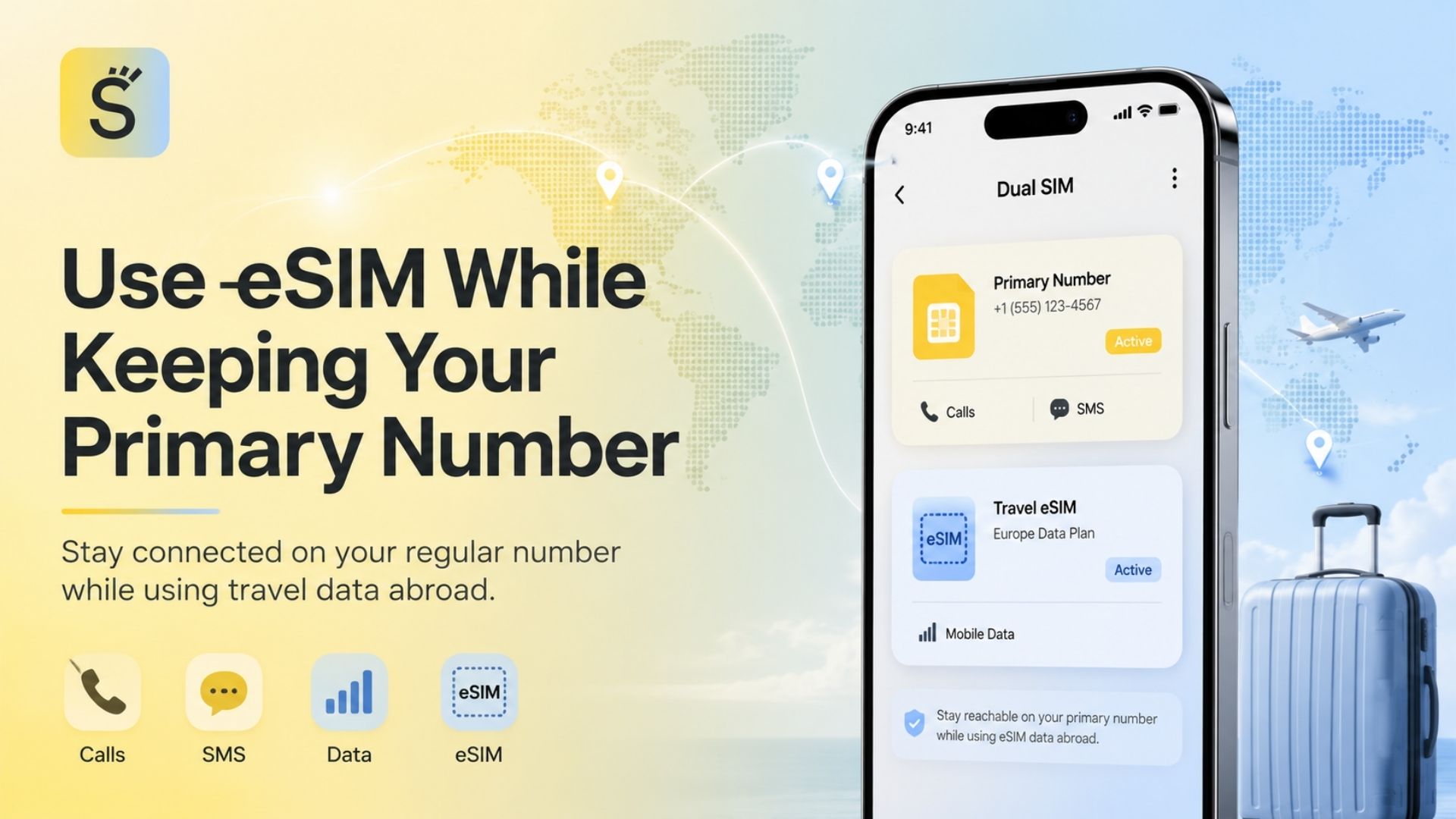
Yes, many compatible dual-SIM phones can keep a physical SIM active while using an eSIM for data.
A common setup is:
Primary SIM: regular number for calls, SMS and account verification
Travel eSIM: mobile internet in the United Kingdom
Primary SIM data roaming: disabled
Travel eSIM data roaming: enabled when required by the provider
Default mobile-data line: travel eSIM
Apple supports using a physical SIM and an eSIM together on compatible iPhones. Supported models can also assign one line to mobile data and another to calls and messages. Google Pixel devices with dual-SIM support offer similar controls, although the available combinations depend on the exact model and carrier.
Keeping your primary line active does not guarantee that it will be free to use. Incoming calls, outgoing calls, voicemail activity and SMS services may still be subject to your home operator’s roaming terms. Contact your operator before travelling if you plan to leave the line switched on.
Does Your Phone Support a UK Travel eSIM?
Compatibility depends on the exact device model, region of purchase, operating system and network restrictions. A phone family may include both eSIM-compatible and non-compatible regional versions.
Before purchasing a plan, confirm that:
Your exact device model supports eSIM.
The phone is unlocked.
The operating system is updated.
The eSIM option appears in mobile-network settings.
The device can add another mobile plan.
The selected provider supports your device and destination.
No business or school management profile blocks SIM changes.
Apple currently lists iPhone XS, iPhone XS Max, iPhone XR and later models as supporting travel eSIM use, subject to regional and carrier differences. Apple also states that a device used with another provider must be unlocked.
Google states that Pixel 4 and later models support eSIM, while some earlier devices have purchase-region and carrier restrictions. Samsung likewise notes that eSIM availability can vary according to the Galaxy model, region and provider.
Checking the model number in the manufacturer’s official documentation is safer than relying only on a product name.
How to Choose the Right eSIM Plan for London and the UK
Start by matching the package to your itinerary rather than simply choosing the lowest price.
Review the following details:
Length of the trip
Total data allowance
Plan-validity period
UK-only or multi-country coverage
Supported local networks
4G and 5G availability
Data-sharing and hotspot rules
Fair usage limits
Speed-reduction policies
Activation conditions
Recharge availability
Customer support
Refund conditions
Data-only or voice-enabled service
A three-day city break and a one-month remote-working trip have very different requirements. A small fixed-data package may be enough for maps and messaging, while video calls, hotspot use and cloud uploads require considerably more data.
Unlimited packages should be checked carefully. “Unlimited” may still involve daily high-speed limits, traffic-management policies, reduced speeds after a certain amount of use or restrictions on tethering.
How Much Mobile Data Do You Need for a London Trip?
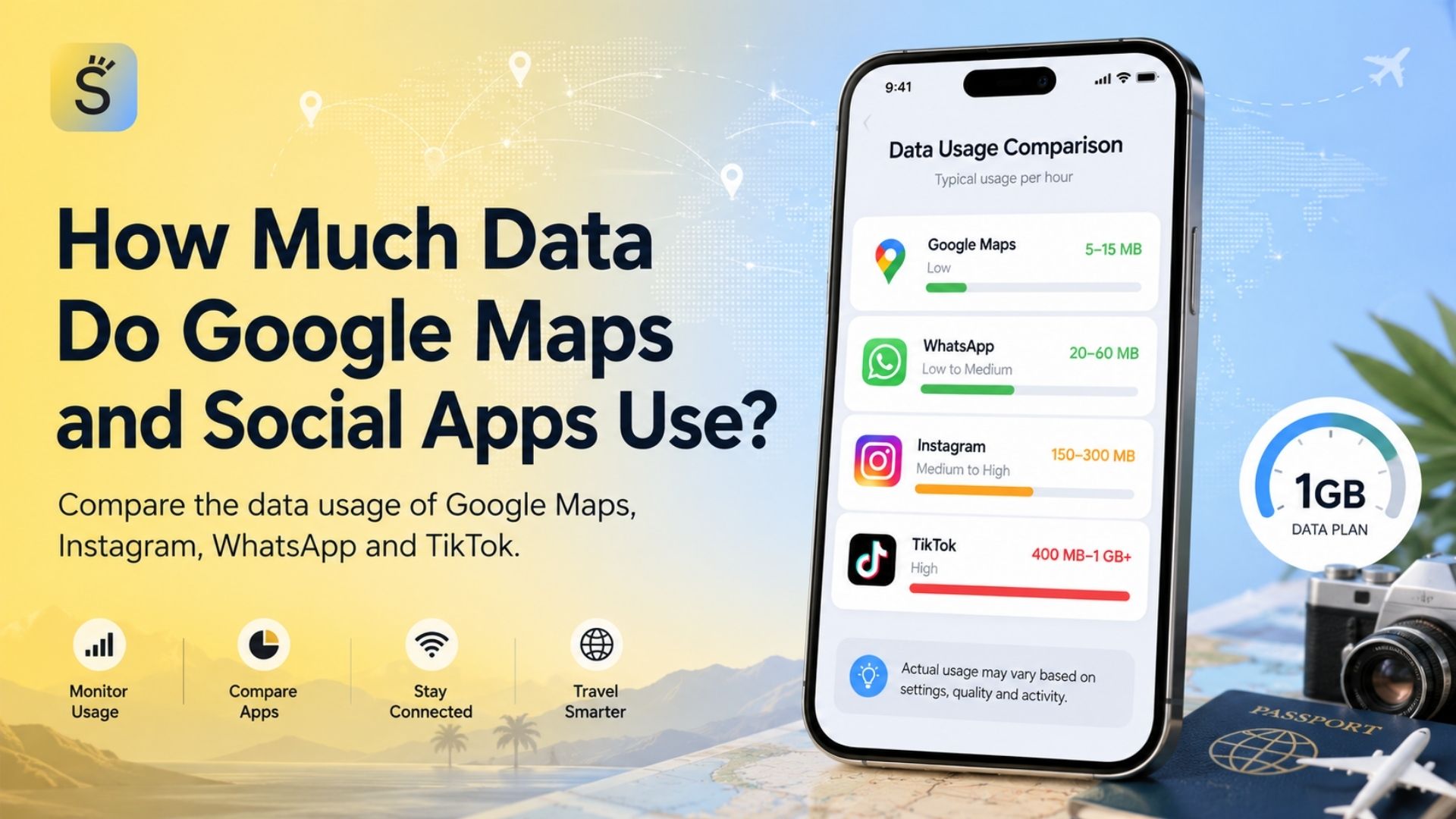
There is no single amount that suits every traveller. Data use depends on navigation, streaming quality, social-media habits, automatic updates and whether the phone is used as a hotspot.
Traveller type | Typical activities | Suggested planning range | Main risk |
Weekend visitor | Maps, messages, transport apps | 2–5 GB | Automatic photo uploads |
One-week tourist | Navigation, social media, tickets | 5–10 GB | Video autoplay |
Business traveller | Email, calls, documents | 10–20 GB | Video meetings |
Digital nomad | Remote work, hotspot, cloud tools | 20 GB or more | Large uploads |
Family traveller | Shared navigation and entertainment | Flexible or larger plan | Multiple devices |
Heavy social-media user | Reels, video uploads, live content | 20 GB or unlimited-style plan | High-resolution video |
UK and Europe traveller | Multi-country maps and communication | Regional plan | Missing country coverage |
These figures are planning ranges rather than guaranteed requirements. A few hours of high-quality video or repeated cloud backups can use more data than several days of messaging and map searches.
UK-Only eSIM vs UK and Europe Regional eSIM
A UK-only eSIM is designed for use within the United Kingdom. It may be the most straightforward option when your complete itinerary is limited to England, Scotland, Wales and Northern Ireland.
A Europe regional eSIM is designed to work across multiple listed destinations. It may be more practical when your journey combines London with Paris, Amsterdam, Rome or other European cities.
A global plan covers a broader list of countries and may suit frequent travellers, although it is not automatically the most economical choice for a single trip.
Always check whether the United Kingdom appears on the actual coverage list. The word “Europe” in a package name does not guarantee that every European destination is included.
eSIM vs Physical SIM Card vs International Roaming
Option | Setup | Keeps main SIM in place | Local number | Best use | Main limitation |
UK travel eSIM | Digital installation | Usually yes | Often no | Fast data access | Requires compatible unlocked phone |
Physical UK SIM | Inserted manually | Usually no on single-slot phones | Often available | Local calls and longer stays | Requires SIM replacement |
International roaming | Activated through home operator | Yes | Existing number | Maximum convenience | May cost more |
Public Wi-Fi | Connect at each location | Yes | No | Reducing data use | Availability and security vary |
Portable Wi-Fi | Separate device | Yes | No | Groups and multiple devices | Must be charged and carried |
UK and Europe eSIM | One digital plan | Usually yes | Often no | Multi-country trips | Country list and policies vary |
A physical UK SIM can be useful when you need a local number for deliveries, reservations or work. Home-operator roaming may be easier when your existing package already includes reasonable UK access. An eSIM is especially useful when fast digital setup and retaining your regular SIM are priorities.
Public Wi-Fi can reduce mobile-data use, but it should not be your only connection method. The UK National Cyber Security Centre warns that insecure public networks may expose data to interception or modification, particularly when services are not using properly secured connections.
Mobile Coverage in London and Other Parts of the UK
London generally has extensive mobile infrastructure, but connection quality can still change between streets, buildings, stations and networks. Basements, thick walls, congested tourist areas and major events may affect performance.
Coverage requires more attention when travelling through rural Scotland, Wales, Northern Ireland, national parks, coastal routes or small villages. The most suitable network for central London may not provide the same experience in every rural destination.
Ofcom’s Spring 2026 update reports predicted good outdoor 4G coverage across 96% of UK landmass from at least one mobile network operator. Overall outdoor 5G coverage varied by operator, meaning 5G access was not identical across the country. Ofcom also provides a postcode-based checker for comparing expected indoor and outdoor mobile coverage.
Before purchasing an eSIM, check which local UK network it uses and whether that network is suitable for the places on your itinerary.
Will a UK eSIM Work on the London Underground?
A UK eSIM can work wherever its partner network has London Underground coverage, but service is not yet identical across every station and tunnel.
As of 11 June 2026, TfL reported that around 60% of stations classified as underground had mobile coverage. TfL and its infrastructure partner were continuing the 4G and 5G rollout, with full-network coverage targeted for the end of 2026.
Because the rollout is still developing, download important information before going underground:
Offline maps
Hotel address
Transport route
Ticket confirmations
Meeting location
Emergency contacts
Do not assume that an eSIM with “5G” in its description will provide an uninterrupted 5G connection throughout every Tube journey.
When Should You Install and Activate Your UK eSIM?
Purchasing, installing and activating an eSIM are not always the same event.
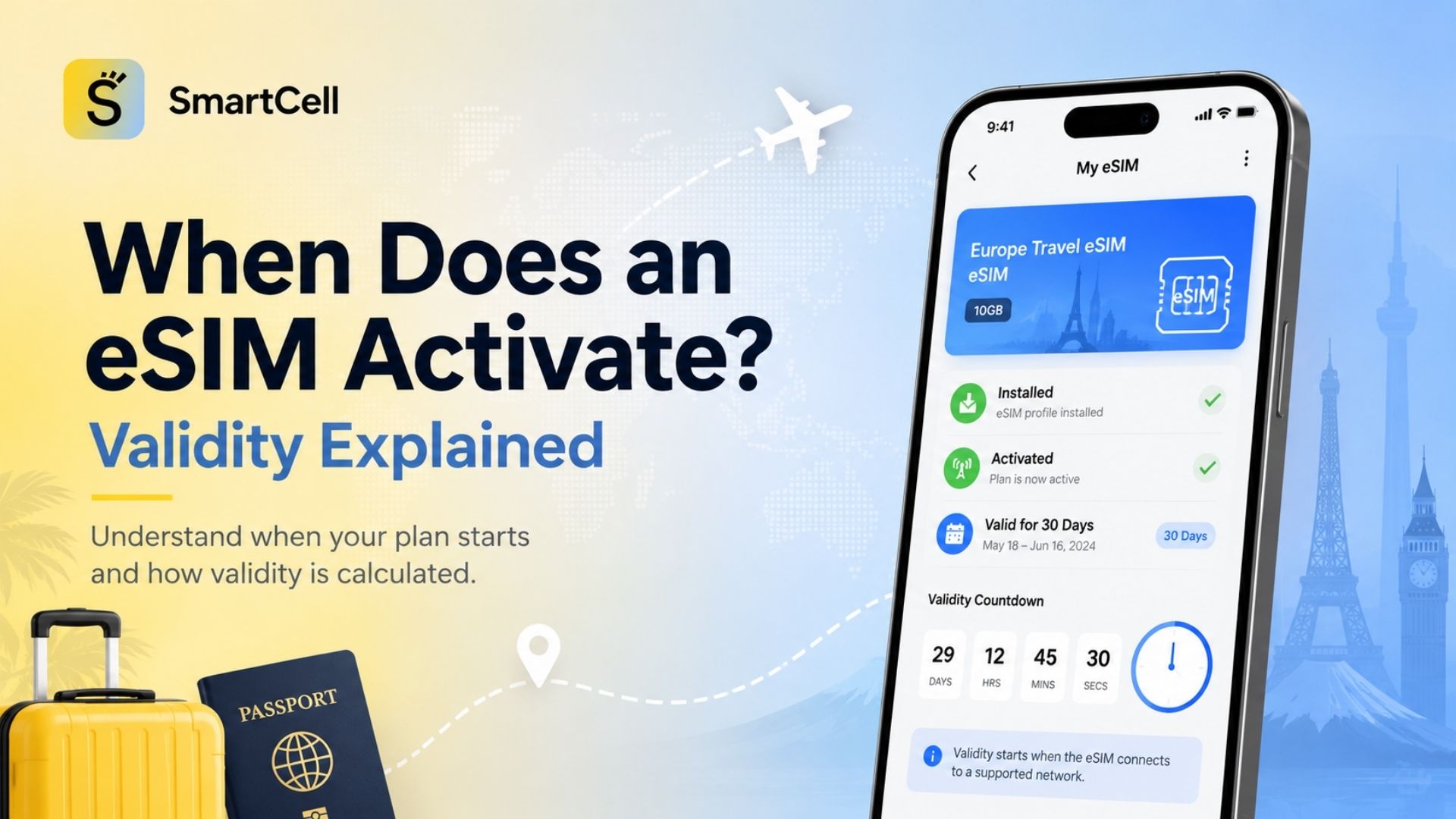
Some plans begin when the eSIM first connects to a supported UK network. Others begin when the profile is installed or manually activated. Read the provider’s policy before scanning the QR code.
A safe preparation process is:
Check compatibility and carrier-lock status.
Purchase the plan before departure.
Save the QR code and manual details.
Read the activation policy.
Install the profile at the recommended time.
Label it “UK Travel” or “London Data.”
Select it for mobile data after arrival.
Test the connection before leaving the airport.
Keep a copy of the instructions on another device or in an offline file. Do not delete the profile while troubleshooting unless the provider confirms that it can be reinstalled.
How to Install a UK Travel eSIM on iPhone
The exact wording may change according to the iPhone model and iOS version, but the usual process is:
Open Settings.
Select Mobile Service, Mobile Data or Cellular.
Tap Add eSIM.
Scan the provider’s QR code or enter the details manually.
Label the new plan.
Select your preferred line for calls and messages.
Select the UK eSIM for mobile data.
Disable data roaming on your primary line.
Enable roaming on the travel eSIM only when instructed.
Restart the phone if it does not connect.
Apple also advises travellers to check that “No SIM Restrictions” appears beside Carrier Lock before attempting to use a travel plan from another provider.
How to Install a UK Travel eSIM on Android
Android menu names vary between Samsung, Google Pixel and other manufacturers.
On many Pixel devices, the relevant menu is found under:
Settings → Network & Internet → SIMs → Add SIM
On many Samsung Galaxy devices, it is found under:
Settings → Connections → SIM Manager → Add eSIM
You can then scan the QR code or enter the activation information manually. Google and Samsung both note that eSIM options depend on the device and provider.
After installation:
Turn on the UK eSIM.
Select it for mobile data.
Check the roaming instruction.
Confirm automatic network selection.
Review the APN if the provider supplies one.
Restart the phone when necessary.
Important Settings After Arriving in London
After landing, check that:
The UK eSIM is switched on.
It is selected as the mobile-data line.
Data roaming is off on your regular SIM.
Data roaming is on for the eSIM when required.
Automatic network selection is enabled.
The APN matches the provider’s instructions.
Airplane Mode is disabled.
Automatic cloud backups are controlled.
App updates are limited when necessary.
Many travel eSIMs connect through partner networks and therefore require roaming to be enabled on the travel profile. This does not mean you should also activate roaming on your home SIM.
On dual-SIM iPhones, Apple allows roaming settings to be controlled separately for each line.
Using Your Regular Number While the eSIM Provides Data
Your regular number can often remain active while the travel eSIM handles internet access. This allows you to continue receiving messages or verification codes, subject to your operator’s roaming conditions.
Internet-based applications can use the UK eSIM’s data connection. WhatsApp states that travellers using a local SIM can continue using WhatsApp with their home number, although access to the original number may be needed if the account must be verified again.
Avoid changing your registered messaging number simply because you installed a data-only eSIM. Installing a second mobile plan does not normally require changing application account details.
Can You Make Calls and Send SMS with a UK Travel eSIM?
Many travel eSIMs are data-only. In this case, conventional calls and SMS are not included.
You can communicate through internet-based services such as:
WhatsApp
FaceTime Audio
Telegram
Signal
Messenger
Microsoft Teams
Zoom
A plan with a UK number may be preferable when you need to make traditional local calls, receive SMS verification codes or provide a local contact number to a workplace, delivery company or accommodation provider.
Check the package description for voice, SMS and local-number support before purchase.
Using an eSIM at London Airports
A pre-installed eSIM can help you connect shortly after arriving at Heathrow, Gatwick, Stansted, Luton or London City Airport.
Immediate uses include:
Opening directions to your accommodation
Checking train or coach times
Contacting your hotel
Retrieving transport tickets
Booking a taxi
Informing family that you have arrived
Checking terminal or baggage information
Install the profile before departure when the provider permits it. This reduces dependence on airport Wi-Fi and avoids trying to manage an unfamiliar setup while handling luggage and transport arrangements.
How to Reduce Mobile Data Use
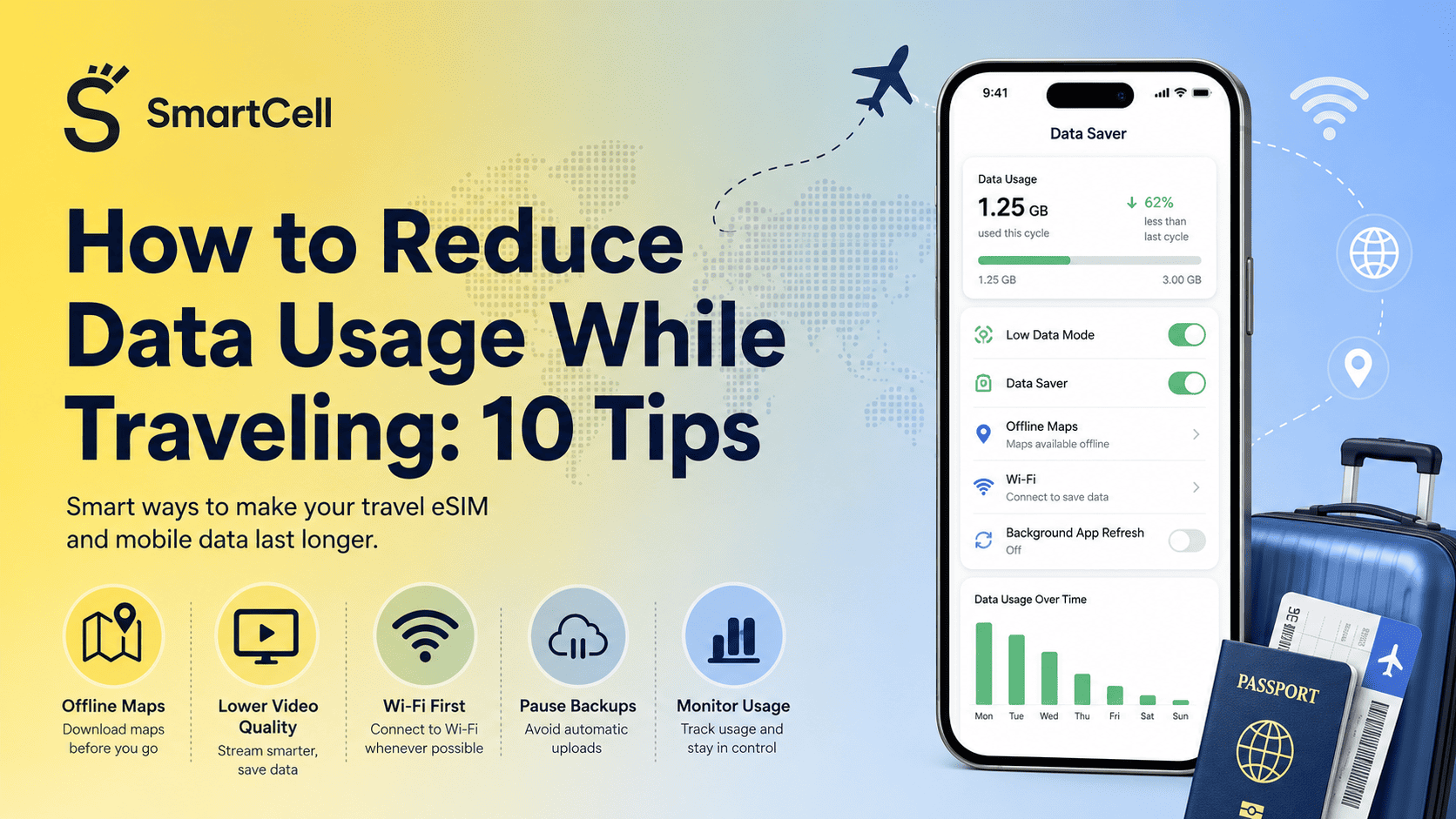
To make a smaller package last longer:
Download offline maps.
Save transport routes in advance.
Pause automatic photo and video backups.
Disable automatic video playback.
Lower streaming quality.
Download music and podcasts over Wi-Fi.
Restrict background data for unnecessary apps.
Avoid large operating-system updates.
Use hotel Wi-Fi for large downloads.
Monitor usage in the provider app or phone settings.
Limit hotspot use.
Save tickets and booking confirmations offline.
Common UK Travel eSIM Problems
The eSIM will not install
Check that the device supports eSIM, is unlocked and has an internet connection. Confirm that the QR code has not already been used.
The eSIM is installed but there is no internet
Verify that it is turned on and selected for mobile data. Check roaming, APN and network-selection settings.
The phone displays “No Service”
Turn Airplane Mode on briefly, turn it off and allow the device to search again. Restart the phone if necessary.
The plan does not activate
Check whether activation begins manually, after installation or after connection to a UK network.
The connection is slow
Network congestion, indoor conditions, local coverage or a fair usage limit may be responsible. Try another location or supported network when manual selection is permitted.
The eSIM was deleted
Contact the provider before attempting to reinstall it. Some QR codes are designed for one installation only.
Common Mistakes to Avoid
Avoid these frequent errors:
Buying before checking compatibility
Using a carrier-locked phone
Activating the validity period too early
Deleting the profile during basic troubleshooting
Leaving primary-SIM data roaming enabled
Assuming the plan includes calls
Ignoring fair usage limits
Forgetting hotspot restrictions
Assuming every Europe plan includes the UK
Depending entirely on public Wi-Fi
Failing to check rural coverage
Allowing automatic backups to consume the package
Is a UK Travel eSIM Worth It?
A UK travel eSIM is worth considering when you want mobile data on arrival, digital setup and the ability to keep your regular SIM card in the phone.
It is particularly practical for:
Short trips to London
Business travel
Multi-city UK itineraries
UK and European journeys
Travellers who depend on maps and messaging
People who want to organise connectivity before flying
It may not be the best option when your phone lacks eSIM support, is locked, or when a UK number is essential. Your home operator’s roaming package may also offer better value in some cases.
The right choice depends on device compatibility, total cost, network access, data allowance, hotspot rules, trip duration and support quality.
FAQ
What is the best eSIM for travelling to the UK?
The best option is the plan that matches your itinerary, data needs, supported network, device and budget. Compare coverage, validity, hotspot support and activation terms rather than relying only on provider rankings.
Can I use an eSIM in London without removing my physical SIM?
Yes, compatible dual-SIM phones can usually keep the physical SIM active while using the eSIM for data.
Does a UK eSIM work in England, Scotland, Wales and Northern Ireland?
A UK-wide package normally covers all four nations, but actual signal quality depends on the partner network and location. Confirm the plan’s coverage list before purchase.
How much data do I need for one week in London?
Around 5–10 GB may suit moderate navigation, messaging and social-media use. Heavy streaming, hotspot use or video calls require a larger allowance.
Can I buy a UK eSIM before my flight?
Yes. Many providers sell plans online and deliver installation details digitally.
Should I activate the eSIM before arriving?
Follow the provider’s activation policy. Some plans start after the first UK network connection, while others start during installation or manual activation.
Does a London eSIM include a UK number?
Not necessarily. Many travel plans are data-only. Check whether calls, SMS and a UK number are specifically included.
Can I use WhatsApp with a UK travel eSIM?
Yes. A data eSIM can provide the internet connection used by WhatsApp while the account remains associated with your regular number.
Does an eSIM work on the London Underground?
It works in Underground areas covered by its partner network. As of June 2026, coverage was still being expanded across stations and tunnels.
Do I need to enable data roaming?
Many travel eSIMs require roaming on the travel profile because they use partner networks. Keep roaming disabled on your primary SIM unless your operator confirms otherwise.
Can I use the eSIM as a hotspot?
Only when the selected package permits tethering. Check for daily limits or hotspot restrictions.
Is an eSIM cheaper than international roaming?
It may be, but not in every case. Compare it with your home operator’s UK roaming package before purchasing.
Can the same eSIM work in the UK and Europe?
A regional plan can work across multiple listed countries. Confirm that the UK and every other destination are included.
What should I do when the eSIM has no internet?
Check the selected data line, roaming setting, APN, plan validity and network selection. Restart the phone and contact provider support if the problem continues.
Can I reinstall an eSIM after deleting it?
Not always. Some activation codes can be used only once. Contact the provider before deleting or reinstalling the profile.
Will I still receive SMS on my regular number?
You may receive SMS while the primary line remains active, but roaming conditions and charges depend on your home operator.
Conclusion
A UK travel eSIM offers a convenient way to stay connected in London without replacing your physical SIM card. It can provide mobile data for navigation, transport, communication and bookings from the beginning of your trip.
Before purchasing, verify that your phone is unlocked and supports eSIM. Compare the plan’s data allowance, network, validity, hotspot conditions, activation policy and geographical coverage. Keep data roaming disabled on your primary line to reduce the risk of unexpected charges, and enable it on the travel eSIM only when required.
Choose and install a suitable UK eSIM before your journey so that your mobile connection is ready when you arrive in London.