

When Does an eSIM Activate? Validity Explained
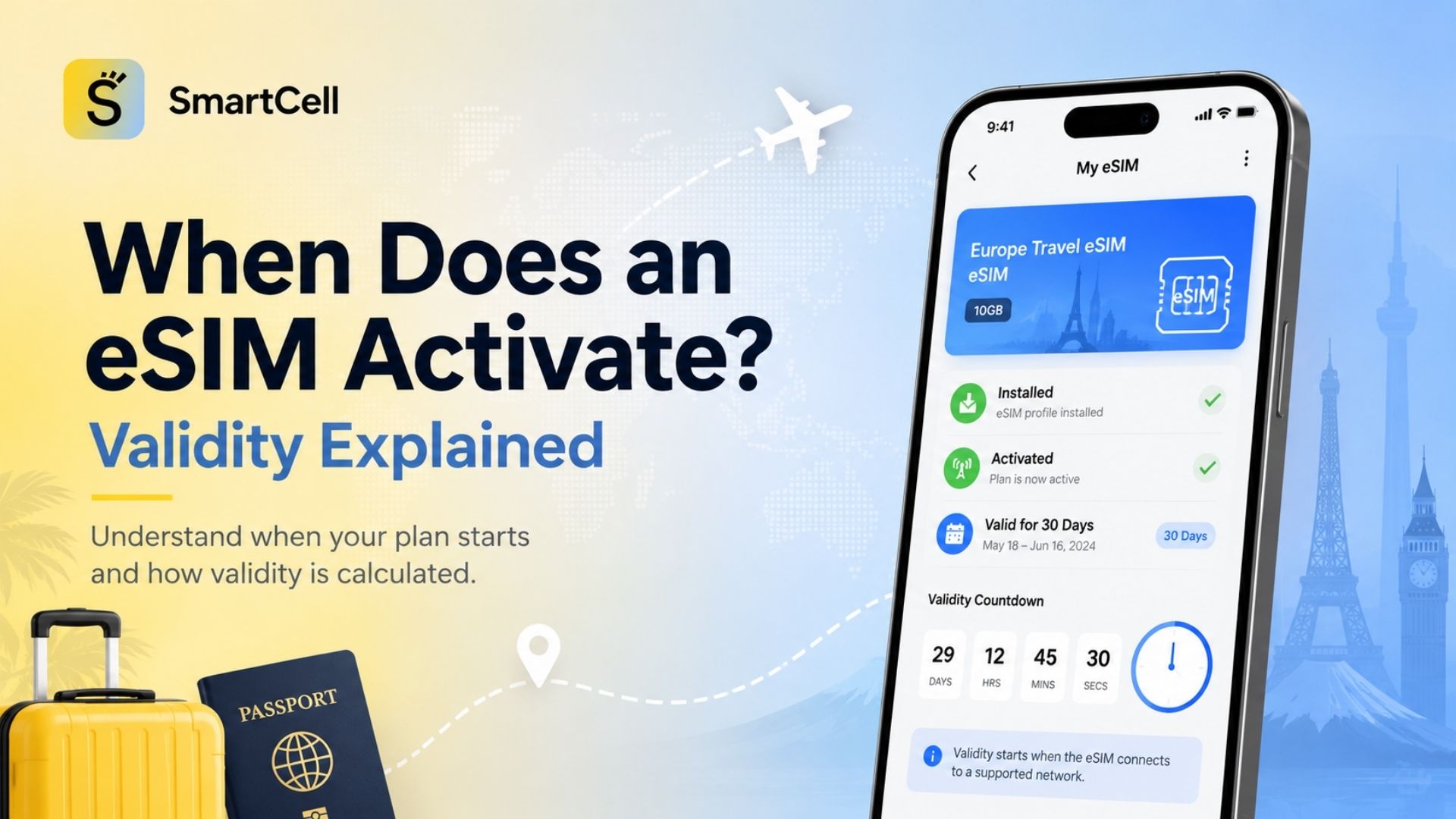
An eSIM package usually activates when it first connects to a supported mobile network at the destination, but this is not a universal rule. Some plans begin after manual activation, some start during installation, and others activate automatically if they are not used within a specified period after purchase.
SmartCell states that its travel plan activates when the traveler reaches the destination or automatically 30 days after purchase. This means purchasing and installing the eSIM before departure does not necessarily start the travel period immediately, but the package should not be purchased so early that the 30-day activation deadline passes before the trip.
Once the package activates, its stated validity period begins. A package can normally stop working for either of two reasons: the time limit expires or the full data allowance is consumed. Whichever happens first ends access unless the package supports a top-up, renewal or add-on.
Quick Explanation of the Main eSIM Terms
Term | What it means | Does the validity clock normally start? |
Purchase | Paying for and receiving the eSIM package | Usually no, unless an automatic activation deadline applies |
Installation | Downloading the eSIM profile to the device | Not always; it depends on the package policy |
Enabling the line | Turning the eSIM on in the phone settings | Not necessarily |
Network activation | Connecting to an eligible destination network | Commonly yes |
Manual activation | Starting the plan through the provider’s app or website | Usually yes |
Validity period | The number of days the package remains usable after activation | Already running |
Expiration | Reaching the time limit or consuming all included data | Service ends |
Profile deletion | Removing the eSIM from the device | Does not reset the package or restore validity |
Table of Contents
What eSIM activation and validity mean
Why activation timing matters
The main eSIM activation models
How SmartCell activation works
How the validity period is calculated
When to buy, install and activate an eSIM
iPhone and Android activation guidance
Practical package selection checklist
Activation model comparison
Managing an active or expiring package
Common activation mistakes
Is buying an eSIM early worth it?
Frequently asked questions
What Are eSIM Activation and Package Validity?
An eSIM is a digital network profile downloaded to a compatible device rather than inserted as a removable plastic SIM card. The GSMA describes eSIM as a global specification that enables remote SIM provisioning and allows compatible devices to store multiple operator profiles.
The eSIM profile and the data package connected to it are related, but they are not always the same thing.
The eSIM profile contains the credentials needed for the device to identify itself to a mobile network. The data packagedefines commercial conditions such as:
Included data
Supported destinations
Mobile networks
Validity duration
Activation deadline
Speed conditions
Hotspot availability
Top-up eligibility
Fair-use restrictions
This distinction explains why an eSIM can appear in the phone settings before the data plan has started. Installation confirms that the profile has been downloaded; it does not always confirm that the validity countdown is running.
Installation Is Not Always Activation
Several travel eSIM providers allow customers to install a profile before departure without starting its validity. Nomad states that installation alone does not activate most of its plans, while Ubigi says its plan begins automatically when the customer enters a covered area. Airalo similarly reports that most of its packages activate when the installed profile connects to a supported network at the destination.
However, exceptions exist. A country-specific operator plan may activate during installation, on a fixed date or immediately after purchase. The package’s individual activation policy must therefore take priority over general eSIM advice.
Why Does eSIM Activation Timing Matter?
It Prevents the Traveler From Losing Valid Usage Days
Suppose a traveler purchases a seven-day plan for a trip beginning on August 20. If the package activates during installation on August 15, part or all of the validity could be used before the traveler arrives.
By contrast, a first-network-connection plan can usually be installed in advance and remain inactive until it connects to an eligible network in the coverage area.
It Determines the Real Expiration Date
The validity shown on a package is a duration, not necessarily a fixed calendar date.
A 15-day package purchased on July 1 may not expire on July 16 if it remains unactivated. Its expiration normally depends on the actual activation event, subject to any automatic activation deadline.
It Helps Match the Package to the Trip
A seven-day package may not be suitable for an eight-day journey, even if the traveler needs data only occasionally. The countdown usually continues continuously after activation; it does not pause on days when no data is used.
Turning the eSIM off temporarily also does not normally pause an already active package. Holafly and Airalo both explain that validity continues while the line is disabled.
It Protects the Purchase From Expiring Before Use
Some providers impose a separate deadline by which the package must be activated. SmartCell specifies activation at the destination or 30 days after purchase. Nomad describes a 60-day activation window for most plans, while certain Ubigi packages must be activated within six months.
These periods are not the travel plan’s usable validity. They are pre-activation deadlines.
The Four Main eSIM Activation Models
1. Activation on First Network Connection
This is one of the most common travel eSIM models.
The customer can:
Purchase the package.
Install the profile over Wi-Fi.
Leave the travel line off or unselected.
Arrive at the destination.
Enable the eSIM and data roaming.
Connect to a supported network.
Begin the validity period.
Airalo says that most of its packages follow this model. Ubigi’s SmartStart system similarly starts the package automatically when the device enters a covered area.
This model is convenient because travelers can complete the installation at home without immediately losing valid travel days.
2. Manual Activation
Some providers require the customer to press an activation button in the application or customer account.
In this model, the countdown can begin when the button is pressed, even if the traveler has not yet connected to the destination network. Nomad notes that validity may begin on the date of manual activation or on an automatic activation date, whichever occurs first.
Manual activation gives the customer control, but it also creates a risk of activating the plan too early.
3. Activation During Installation
Some packages start when the QR code is scanned and the profile is added to the phone.
For these plans, installing several days before departure may reduce the amount of time available at the destination. Airalo explicitly advises users to check the activation policy because some packages activate on installation rather than first destination connection.
This model is more common with certain local carrier products or destination-specific packages whose network systems combine installation and service activation.
4. Automatic or Scheduled Activation
A package may activate automatically after a defined number of days, even when the traveler has not reached the destination.
SmartCell’s public guidance states that the plan activates upon arrival at the destination or 30 days after purchase. Nomad reports that most of its plans auto-activate if they remain unused for 60 days.
The practical rule is to avoid purchasing an automatically activating package substantially earlier than necessary.
How Does SmartCell eSIM Activation Work?
SmartCell separates three stages:
Selecting and purchasing a data plan
Installing the eSIM on the compatible device
Connecting and using the plan at the destination
The SmartCell website states that the plan activates when the user reaches the destination or 30 days after purchase. Individual package pages also indicate that activation must be completed within 30 days of purchase.
This creates two possible activation events:
Destination activation: The eSIM connects to an eligible network before the 30-day deadline.
Automatic deadline activation: The package reaches 30 days after purchase without an earlier destination connection.
Travelers should therefore choose from the available SmartCell travel eSIM plans after confirming both the trip dates and the package duration.
Example: Buying a SmartCell Package Before a Trip
Assume that a traveler:
Purchases a 15-day package on August 1.
Travels on August 12.
Connects the eSIM to a supported network on August 12.
In this case, destination activation occurs before the 30-day post-purchase deadline. The package’s travel validity would begin when it activates at the destination.
Now assume that the traveler purchases the same package on June 1 but does not travel until July 10. The 30-day automatic activation point would arrive before the journey. The package could therefore begin its validity before the traveler needs it.
For this reason, purchasing within the month before departure is generally more appropriate for SmartCell plans, while the exact installation and activation instructions should still be reviewed for the selected package.
How Is the eSIM Validity Period Calculated?
Fixed-Duration Plans
A fixed-duration plan includes a defined amount of time, such as:
7 days
14 days
15 days
30 days
60 days
90 days
The countdown begins at the activation point defined by the provider. For many packages, this is the first successful connection to a supported destination network.
A 30-day plan does not usually provide 30 separate days that can be paused and resumed. It provides one continuous validity window after activation.
Data Allowance and Time Work Together
A package commonly expires when the first of these two events occurs:
All included data is consumed.
The validity period ends.
For example, a 5GB package valid for 30 days stops providing data if the full 5GB is used on day six. It also expires at the end of its validity if 2GB remains unused. Nomad describes this as a “whichever comes first” model.
Data Is Usually Pooled Across the Validity Period
A standard “5GB for 15 days” package usually provides one 5GB allowance for the entire period. It does not automatically divide the allowance into approximately 333MB per day.
Airalo confirms that the data amount in a fixed package is available across the full validity period rather than being distributed equally each day.
Daily-data and unlimited products can work differently. A plan may provide a new high-speed allowance each day, reduce speed after a daily threshold or apply a fair-use policy. These conditions must be stated in the package details.
Exact Hours Versus Calendar Days
Providers do not all calculate “days” in exactly the same way.
A validity period may be measured as:
Consecutive 24-hour blocks from the activation timestamp
Calendar days in the destination’s time zone
Calendar days in the provider’s billing system
A displayed expiration date and time inside the application
The safest approach is to rely on the exact expiration timestamp shown in the provider account rather than estimating from the purchase date.
Turning the eSIM Off Does Not Stop the Countdown
Once the package is active, turning the line off for a flight, overnight stay or Wi-Fi-only day does not usually extend the expiration date. The commercial package remains active even when the device is not connected.
Airplane Mode, removing the eSIM as the preferred data line and switching off data roaming also do not normally pause validity.
When Should You Buy, Install and Activate an eSIM?
When to Buy It
Purchase the package close enough to departure that its activation deadline will not arrive before the trip.
For SmartCell, the public 30-day activation rule means that buying the package within 30 days of the expected destination connection is the safest general approach.
Buying several days before departure provides time to:
Confirm payment
Receive the installation information
Check compatibility
Contact support if needed
Install the profile over stable Wi-Fi
Review the mobile data settings
When to Install It
Installation is usually best completed before departure when the package allows pre-travel installation.
A stable internet connection is normally required to download the eSIM profile. Orange Travel recommends installing before the trip and activating after arrival. Nomad also advises pre-travel installation because it requires a reliable internet connection.
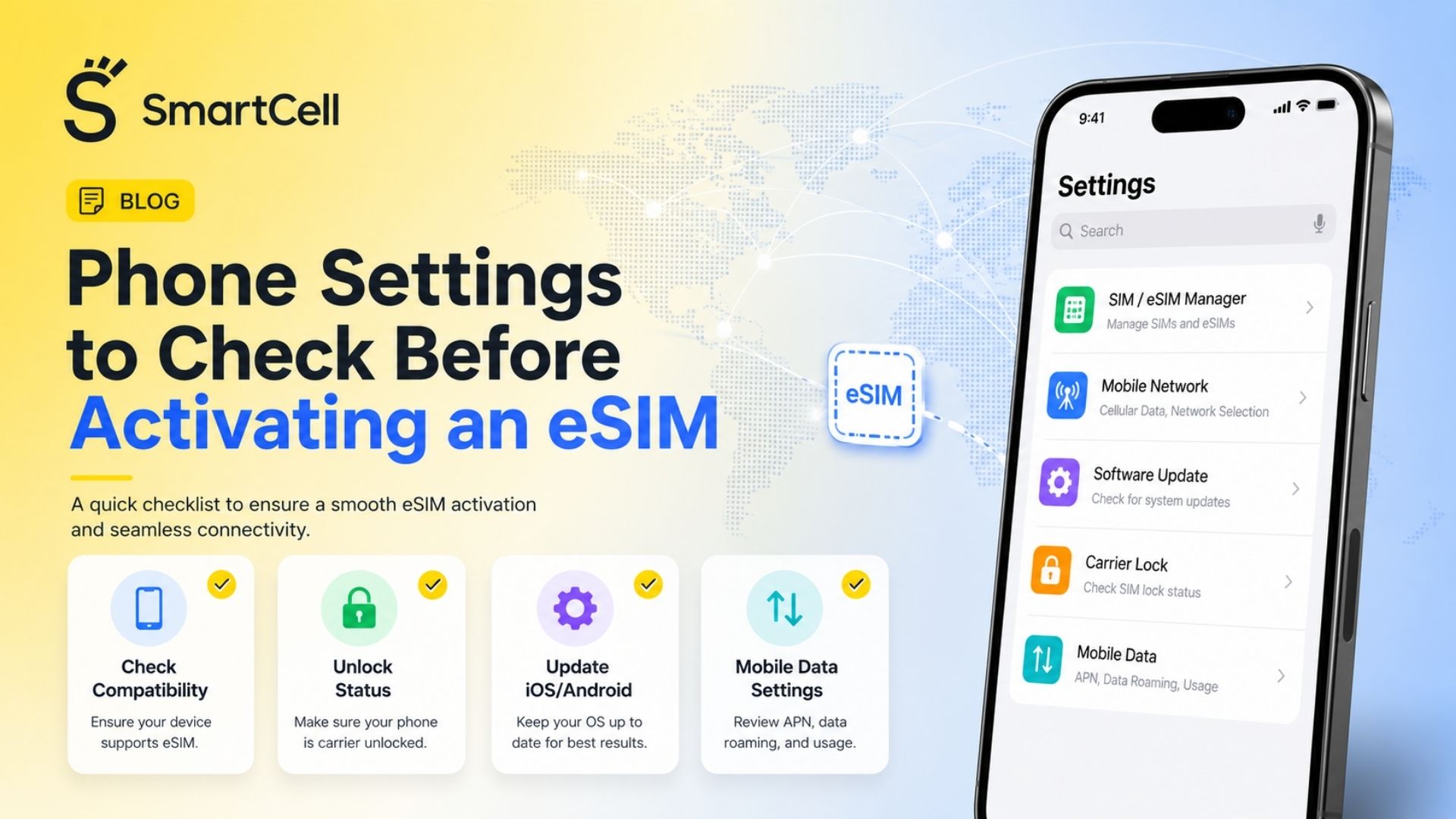
Before installation, review the essential phone settings to check before activating an eSIM, including device compatibility, carrier lock status, mobile data selection and roaming controls.
When to Activate It
Activate the package when:
You have reached a supported destination.
The plane has landed and Airplane Mode can be disabled.
The travel eSIM has been selected for cellular data.
Data roaming is enabled for the travel line when required.
The primary SIM’s data roaming has been disabled.
You are ready to begin using the package.
Google recommends activating an international prepaid eSIM after arrival at the destination. Apple’s current travel guidance similarly lets users turn on a previously purchased travel eSIM when they arrive.
When Early Activation Is Not Recommended
Do not activate early when:
The plan begins through a manual activation button.
Installation immediately starts validity.
The trip begins several days later.
The package is shorter than the full journey.
The provider does not allow validity extensions.
Unused data cannot be refunded or transferred.
The package has a fixed calendar start date.
Installing and Activating an eSIM on iPhone and Android
iPhone
A typical installation path is:
Settings → Cellular or Mobile Service → Add eSIM → Use QR Code
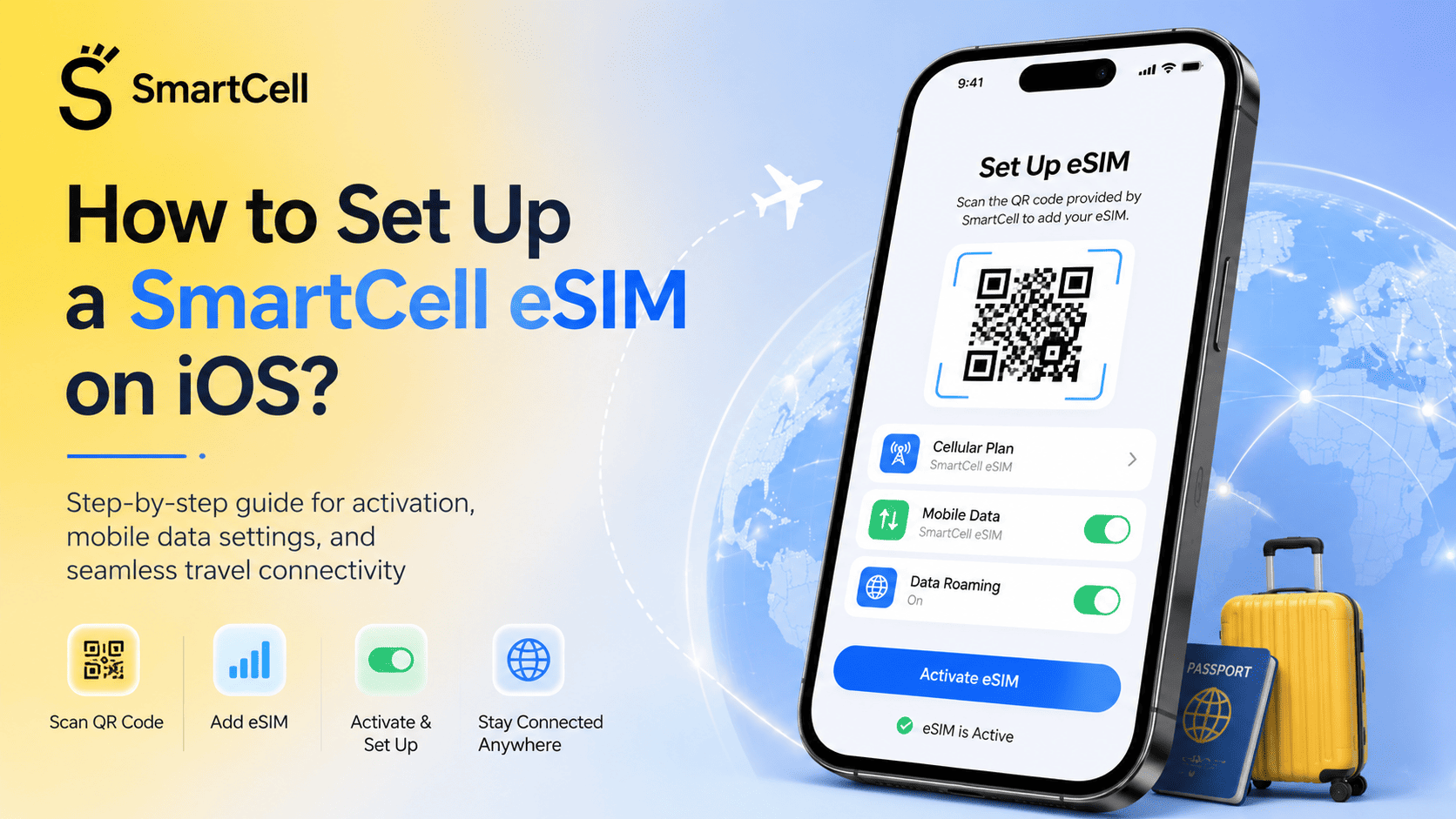
Installation adds the plan to the device. The user can then label it, select the primary line for calls and messages, and choose the travel eSIM for cellular data.
The complete SmartCell eSIM setup process for iOS explains the relevant menus and Dual SIM selections.
Apple notes that iOS can prompt travelers to turn on a previously purchased travel eSIM after arrival. The user may select the travel eSIM as the data line while retaining the home line for calls and messages, although home-carrier roaming charges may still apply.
Android
Menu names vary by manufacturer, but a common path is:
Settings → Network & Internet or Connections → SIMs/SIM Manager → Add eSIM
After arrival:
Enable the travel eSIM.
Select it for mobile data.
Enable data roaming for that line if required.
Disable data roaming on the primary line.
Confirm that the device connects to a supported network.
Google’s Pixel guidance recommends activating an international travel eSIM at the destination. Pixel devices also allow users to select separate preferences for mobile data, calls and messages.
Practical eSIM Validity Selection Checklist
Before purchasing, verify each of the following.
Activation Trigger
Look for wording such as:
Activates upon installation
Activates on first network connection
Activate manually in the app
Starts on the selected date
Automatically activates after purchase
Activates when data roaming is enabled
Activation Deadline
Check how long the package can remain unused after purchase. This period may be 30 days, 60 days, six months or another provider-defined window.
Package Duration
Choose a validity period that covers the entire time between the first expected connection and the last day mobile data will be needed.
Do not calculate only the number of hotel nights. Arrival and departure days also count once the plan is active.
Data Expiration Rules
Confirm whether:
Unused data expires
Remaining data rolls over
The plan supports top-ups
A top-up extends validity
A new top-up begins immediately
The package ends when data is depleted
Reduced-speed access continues after the allowance
Destination Coverage
For a regional plan, confirm that the first country in the itinerary is included. Entering an included transit country could activate the plan earlier than expected if the eSIM connects there.
Time-Zone Rules
Check whether the application displays an exact expiration date and time. This is more reliable than manually counting calendar dates.
Reinstallation Policy
Many QR codes are intended for a single installation. Do not delete a working eSIM merely to turn it off. Holafly notes that a previously used installation code may no longer be valid, while Airalo recommends leaving eligible profiles installed for later top-ups.
Reviewing the common first-time eSIM mistakes can help prevent premature activation, accidental deletion and incorrect data-line selection.
Comparison of Common eSIM Activation Models
Activation model | When validity starts | Can it be installed early? | Main advantage | Main risk | Best use case |
First supported network connection | When the eSIM connects in the coverage area | Usually yes | Minimal risk of losing days before arrival | Transit through an included country may start it | Most international leisure trips |
Manual in-app activation | When the user presses Activate | Usually yes | Greater control over the start time | User may activate too early | Travelers comfortable managing the provider app |
Activation on installation | When the profile is downloaded | Usually not advisable | Simple setup with no separate activation stage | Validity may be consumed before departure | Immediate travel or same-day use |
Fixed-date activation | On the chosen or assigned calendar date | Yes | Predictable start and expiration | Travel delays may waste validity | Tours and scheduled group travel |
Automatic post-purchase activation | At destination or after a purchase deadline | Usually yes within the window | Combines preparation with an activation safeguard | Buying too early can start the plan before travel | Trips booked within a defined pre-travel period |
Recurring or subscription plan | At purchase or each billing renewal | Usually already active | Continuous connectivity | Charges may renew when travel has ended | Frequent travelers and long-term use |
The best activation model depends on how far in advance the package is purchased, whether the itinerary may change and whether the traveler needs immediate connectivity after landing.
Managing an Active or Expiring eSIM
Monitor Both Time and Data
Do not monitor only the remaining gigabytes. A package with unused data can still expire when its validity period ends.
Check:
Activation date
Expiration date and time
Remaining data
Daily usage
Top-up availability
Reduced-speed conditions
Countries still included in the itinerary
Add a Top-Up Before the Plan Ends
Some eSIM profiles support additional packages. A top-up may activate immediately, wait until the original package is depleted or begin when the current validity ends.
There is no universal top-up rule. Review the provider’s instructions before purchasing an add-on.
Do Not Expect Deactivation to Pause the Plan
Turning off the eSIM can prevent data use, but it normally does not stop time from passing. This is useful for avoiding unwanted connections, not for extending validity.
Keep the Profile Until the Trip Is Complete
Deleting the profile can make reconnection difficult because many installation codes cannot be reused. Disable the line instead when temporary deactivation is needed.
What Happens After Expiration?
After expiration, the eSIM may:
Stop providing mobile data
Remain installed but inactive
Allow a compatible top-up
Require a new package
Require a completely new profile
Continue at reduced speed under an unlimited-plan policy
The result depends on the provider and package type.
Common eSIM Activation Mistakes
Confusing Purchase With Activation
Payment does not necessarily begin the travel validity, but an automatic post-purchase deadline may still apply.
Confusing Installation With Activation
Seeing the eSIM in the phone settings does not prove that its data package has started. Equally, some plans do activate during installation, so the specific policy must be checked.
Buying More Than 30 Days Before a SmartCell Trip
SmartCell states that the plan activates at the destination or 30 days after purchase. Purchasing too early could therefore start the validity before departure.
Testing the eSIM on an Included Network Before Travel
A regional or global package may activate if it connects to an eligible network in the traveler’s home or transit country.
Pressing a Manual Activation Button Too Early
Manual activation commonly starts the validity immediately or sets an irreversible start date.
Assuming the Countdown Pauses
Switching off the line, entering Airplane Mode or using Wi-Fi does not normally extend the package duration.
Deleting the eSIM While Troubleshooting
Deleting a profile may invalidate a one-time QR code without resetting the data plan or expiration date.
Ignoring the Time Limit After Running Out of Data
Buying a top-up may not restore an expired package if the original profile or plan is no longer eligible for extensions.
Selecting a Package That Is Too Short
A seven-day plan activated on arrival may expire before the return journey if the trip spans more than seven continuous validity days.
Is It Worth Buying and Installing an eSIM Before Traveling?
Buying and installing an eSIM before departure is usually worthwhile because it allows compatibility, payment and installation problems to be resolved while the traveler still has reliable internet access.
The purchase should not, however, be made so early that an automatic activation deadline arrives before the trip.
For SmartCell, the practical balance is to purchase within 30 days of the expected destination connection, install the profile before departure and allow it to activate at the destination. This follows the activation policy currently stated on the SmartCell website.
Advance preparation is especially valuable for:
Late-night arrivals
Airports with unreliable Wi-Fi
Business travelers needing immediate access
Families configuring several devices
Multi-country trips
Travelers unfamiliar with eSIM installation
Waiting until arrival may be preferable when the selected plan activates during installation, when the departure date is uncertain or when the provider explicitly recommends destination-only setup.
Frequently Asked Questions
Does an eSIM activate as soon as I buy it?
Not always. Many travel eSIMs activate on first destination-network connection. Others activate manually, during installation or automatically after a purchase deadline.
Does installing an eSIM start the validity period?
It depends on the package. Installation and activation are separate for many plans, but certain products begin validity as soon as the profile is installed.
When does a SmartCell eSIM activate?
SmartCell states that the plan activates when the traveler reaches the destination or 30 days after purchase.
Can I install a SmartCell eSIM before traveling?
Yes, provided the installation is completed according to the package instructions and the trip falls within the 30-day activation window.
How is a seven-day eSIM calculated?
The seven-day period begins at the package’s defined activation event. The exact expiration hour or calendar-day rule depends on the provider, so the displayed expiration timestamp should be checked.
Does the validity stop when I turn off the eSIM?
No. Turning off an already active eSIM normally stops current connectivity but does not pause the package countdown.
What happens if I use all the data before the validity ends?
The plan normally stops providing data unless it includes reduced-speed access or supports a top-up. Fixed-data plans generally expire when either the allowance is depleted or the time limit ends.
What happens to unused data after expiration?
Unused data is generally lost unless the provider specifically offers rollover or an add-on that preserves the balance.
Can entering a transit country activate a regional eSIM?
Yes, if the transit country is included in the package and the eSIM connects to a supported network there.
Does Airplane Mode pause eSIM validity?
No. Airplane Mode stops network connections but does not usually pause the commercial validity of an already active package.
Can I activate an eSIM without Wi-Fi?
The profile may connect through another active data line, but installation normally requires an existing internet connection. Installing over reliable Wi-Fi before departure is safer.
Should data roaming be enabled on a travel eSIM?
Many travel eSIMs require data roaming because they connect through partner networks. Enable it for the travel eSIM when instructed, while keeping data roaming disabled on the home SIM.
Can I delete and reinstall an eSIM?
Not always. Many QR codes can be used only once. Keep the profile installed and turn the line off temporarily unless the provider instructs you to delete it.
Can I extend an eSIM’s validity?
Only when the plan supports a top-up, add-on or renewal. Buying more data does not automatically extend every package, so the add-on conditions must be checked first.
Final Takeaway
Purchasing, installing and activating an eSIM are three different events.
For many travel eSIMs, installation can be completed before departure while validity begins only after the profile connects to a supported destination network. Other packages start during installation, after manual activation or on an automatic post-purchase date.
SmartCell states that its plan activates upon arrival at the destination or 30 days after purchase. Travelers should therefore purchase within the relevant pre-travel window, install the profile over stable Wi-Fi, connect it at the destination and monitor both the remaining data and expiration date.
Once activated, the countdown normally continues without pausing. The package ends when its time expires or its data is fully consumed, whichever occurs first.